Field Types
List of fields available in Zapier :
-
String : string of characters
-
Text : string + long
-
Integer : Integer number
-
Decimal : Decimal number (separation with a dot -> 42.13 )
-
Boolean : 2 possible choices -> True or False
-
DateTime :
-
If no timezone is defined, Zapier will take the one of your account.
-
We advise you to use this format : YYYY-MM-DDThh:mm
examples :
without timezone -> 2020-10-26T16:56 with timezone -> 2020-10-26T16:56+02.00
-
-
Password : field
-
Dropdown: list of choices
More precision on the fields: https://zapier.com/help/create/basics/different-field-types-in-zaps
You can fill in the fields according to your needs, only those notified with 'required' are necessary:
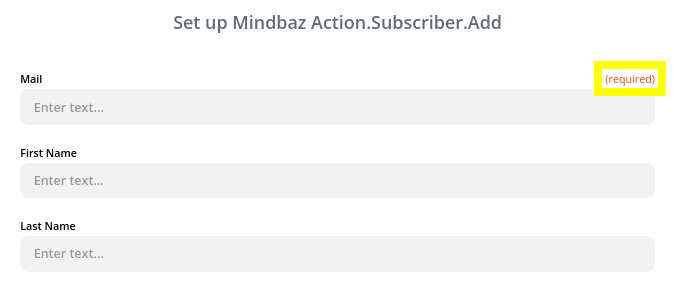
Empty fields will not be sent in the request.